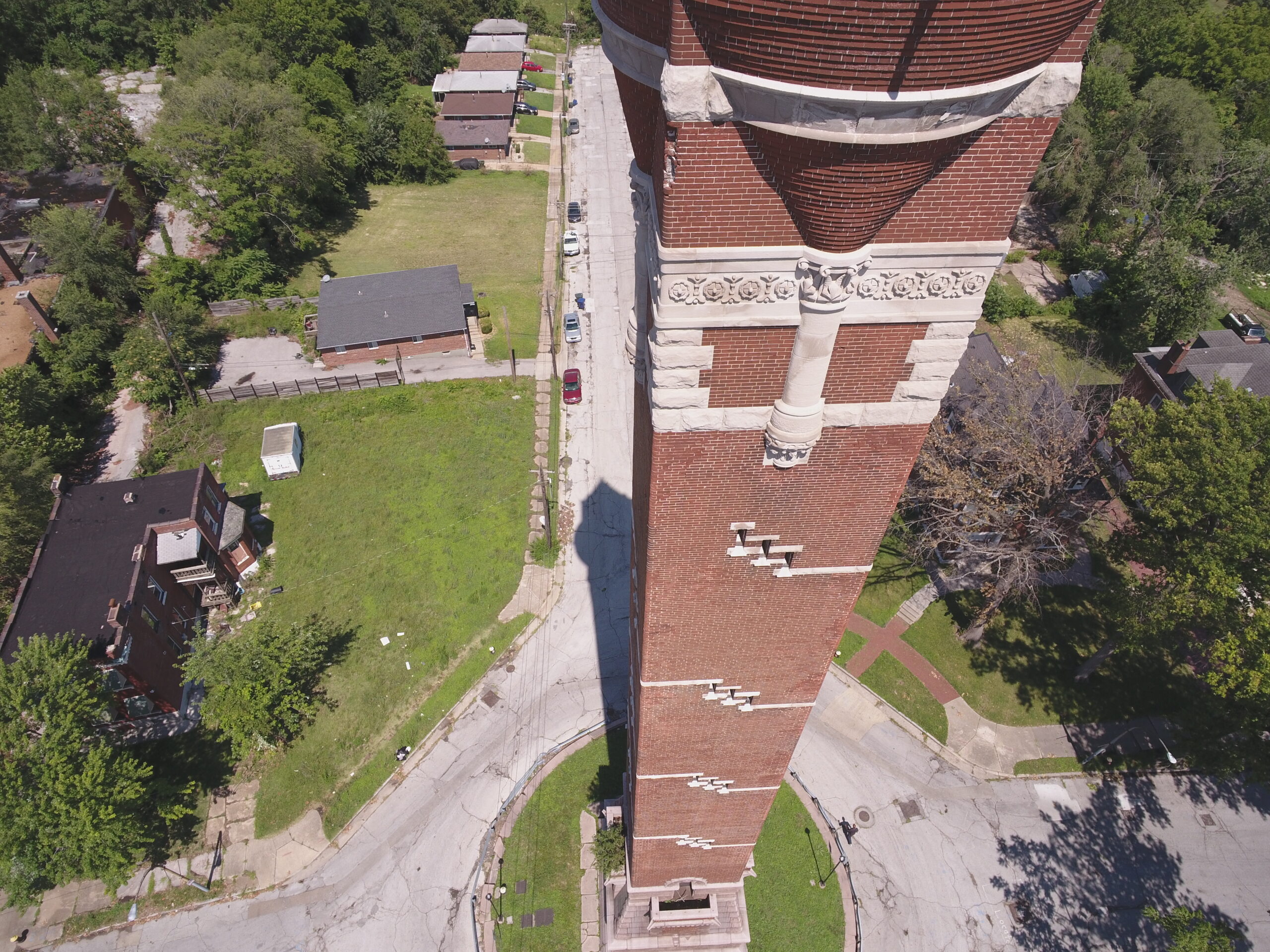
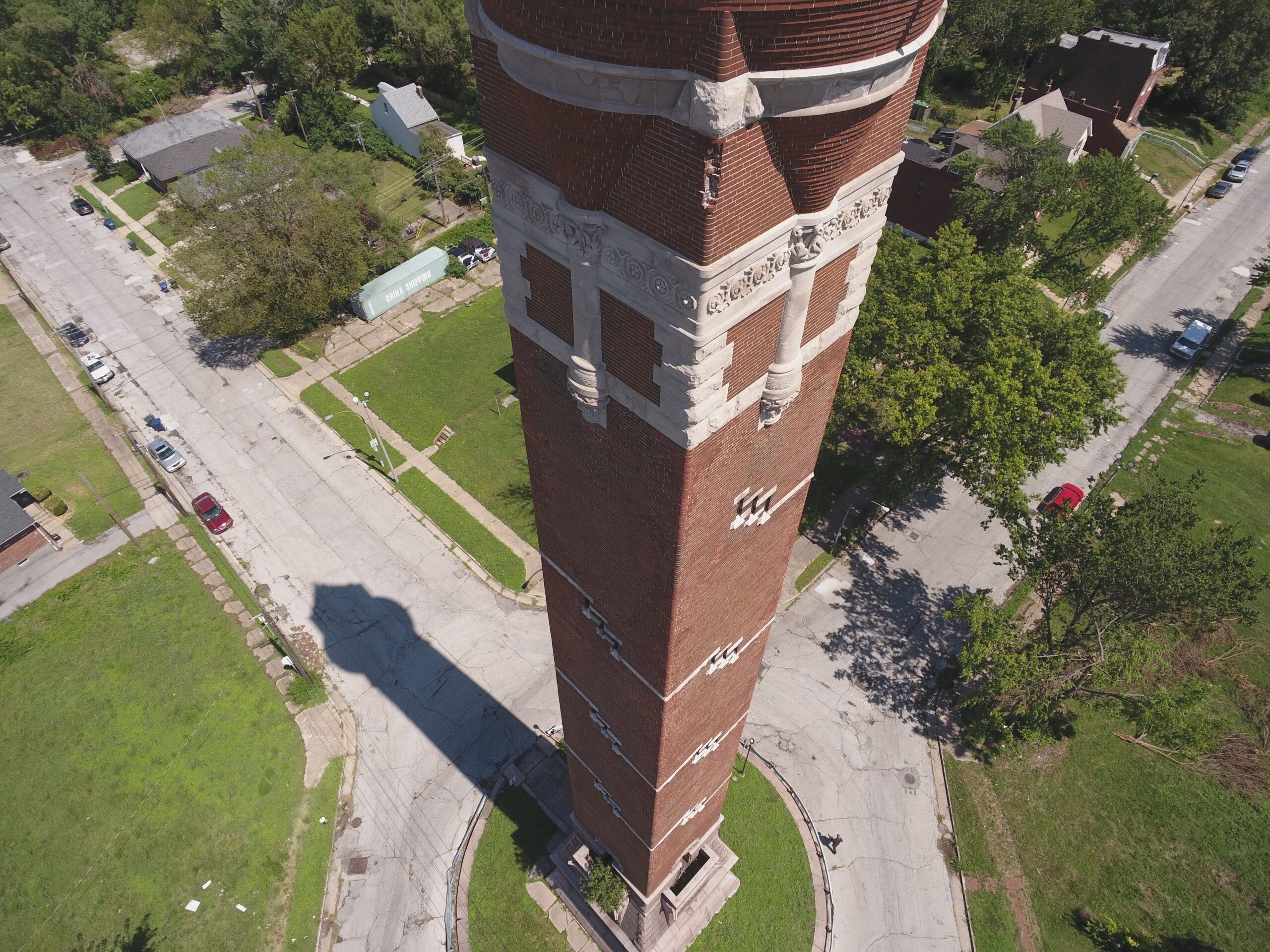
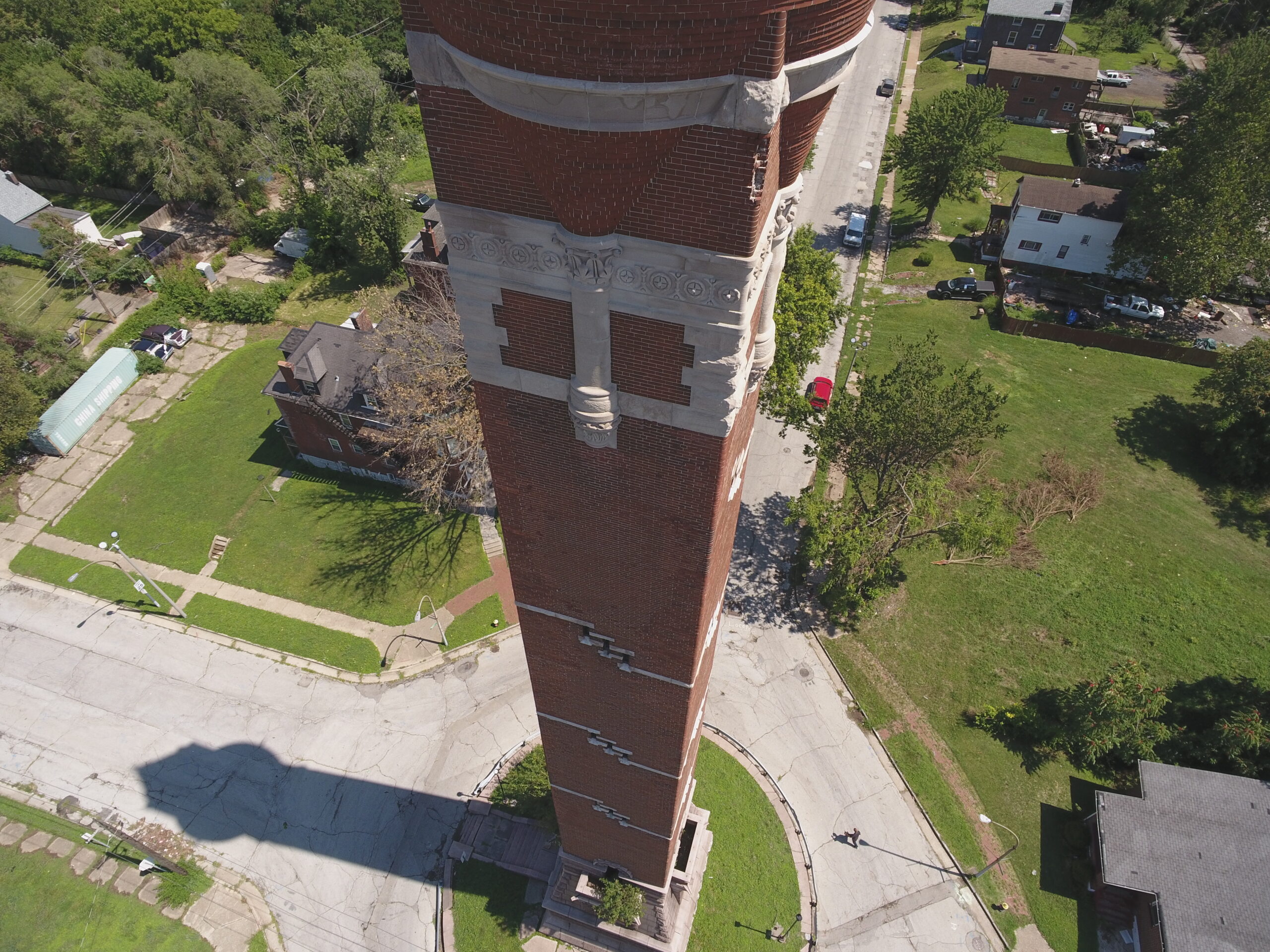
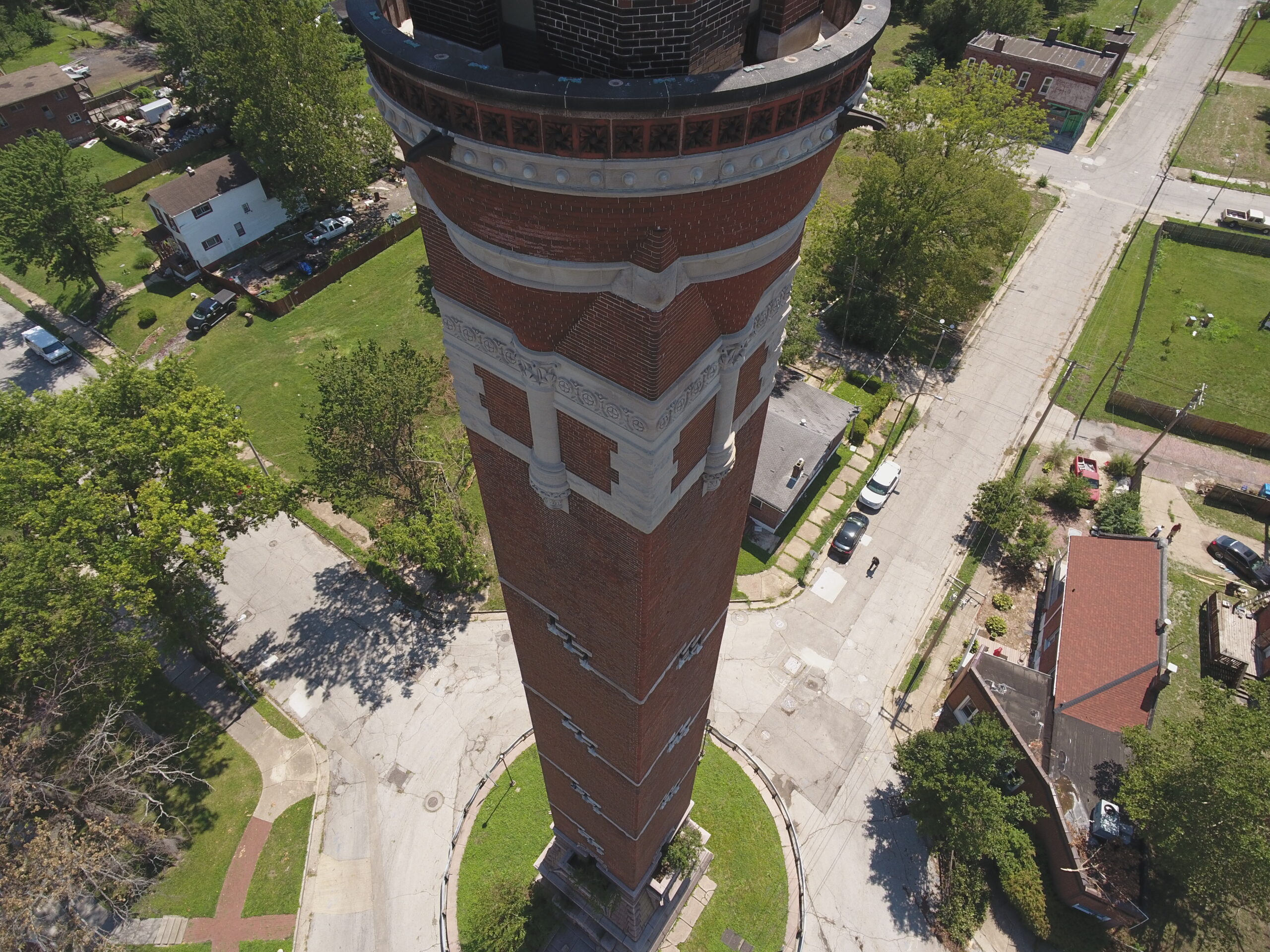
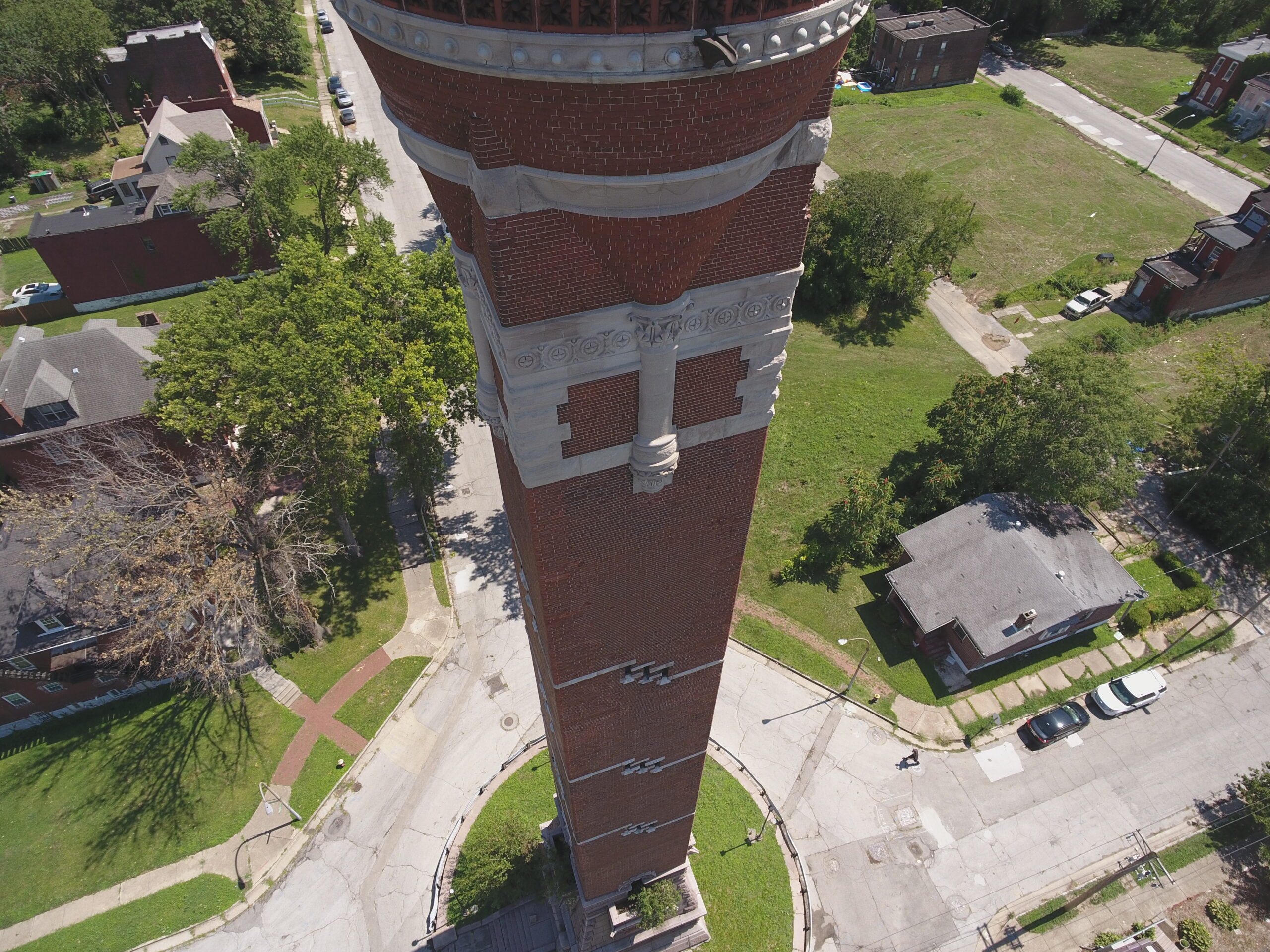
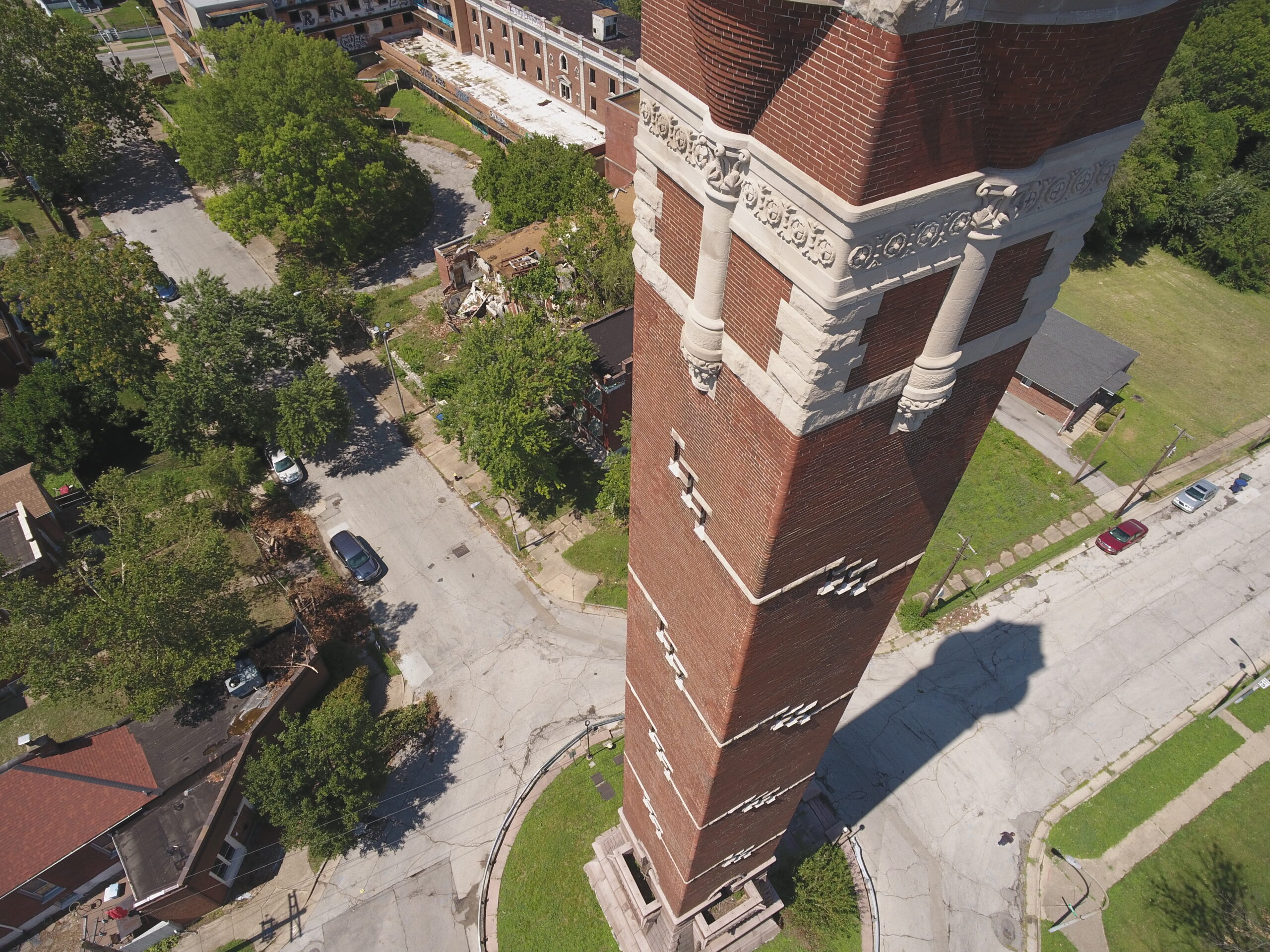
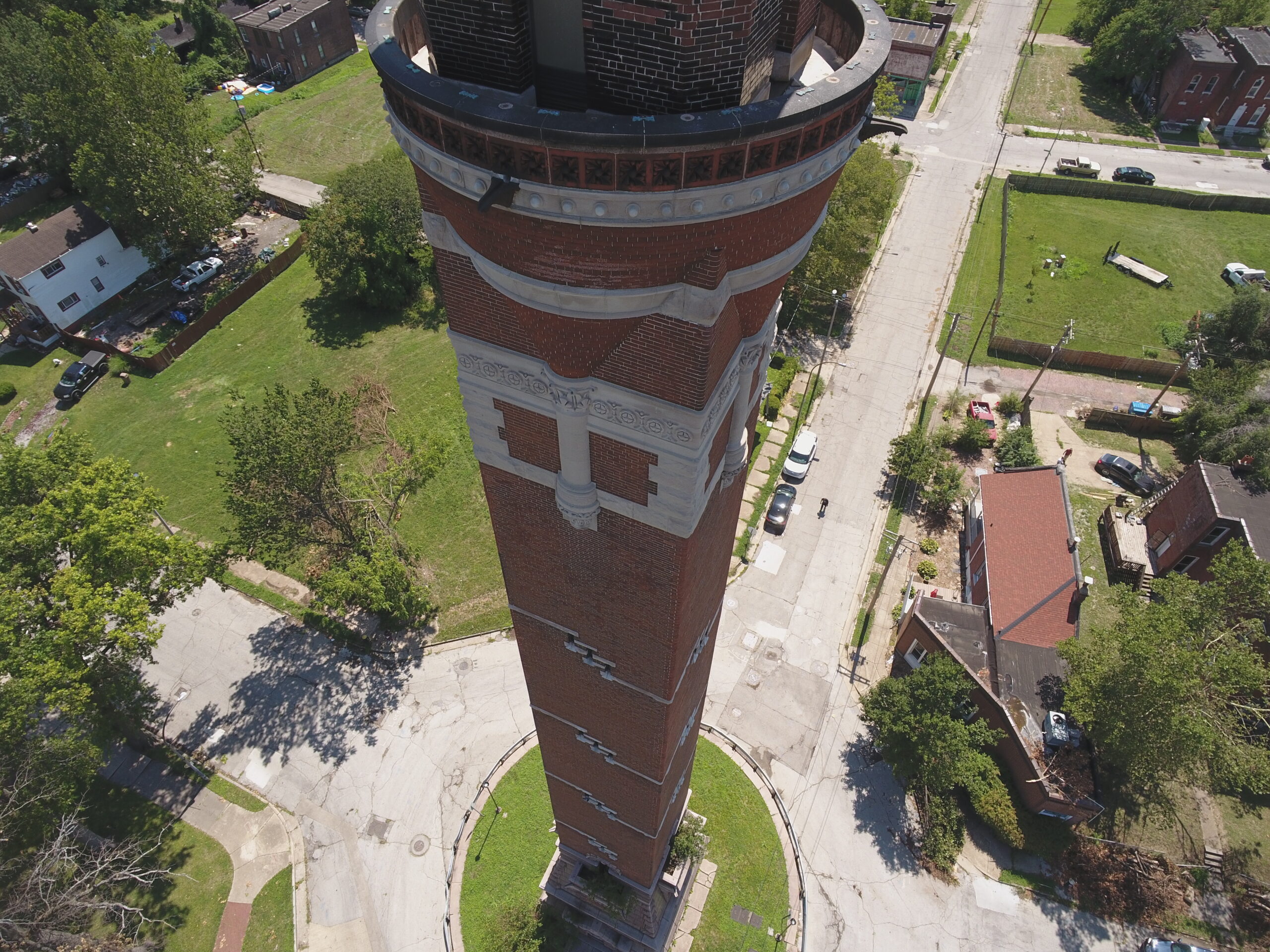
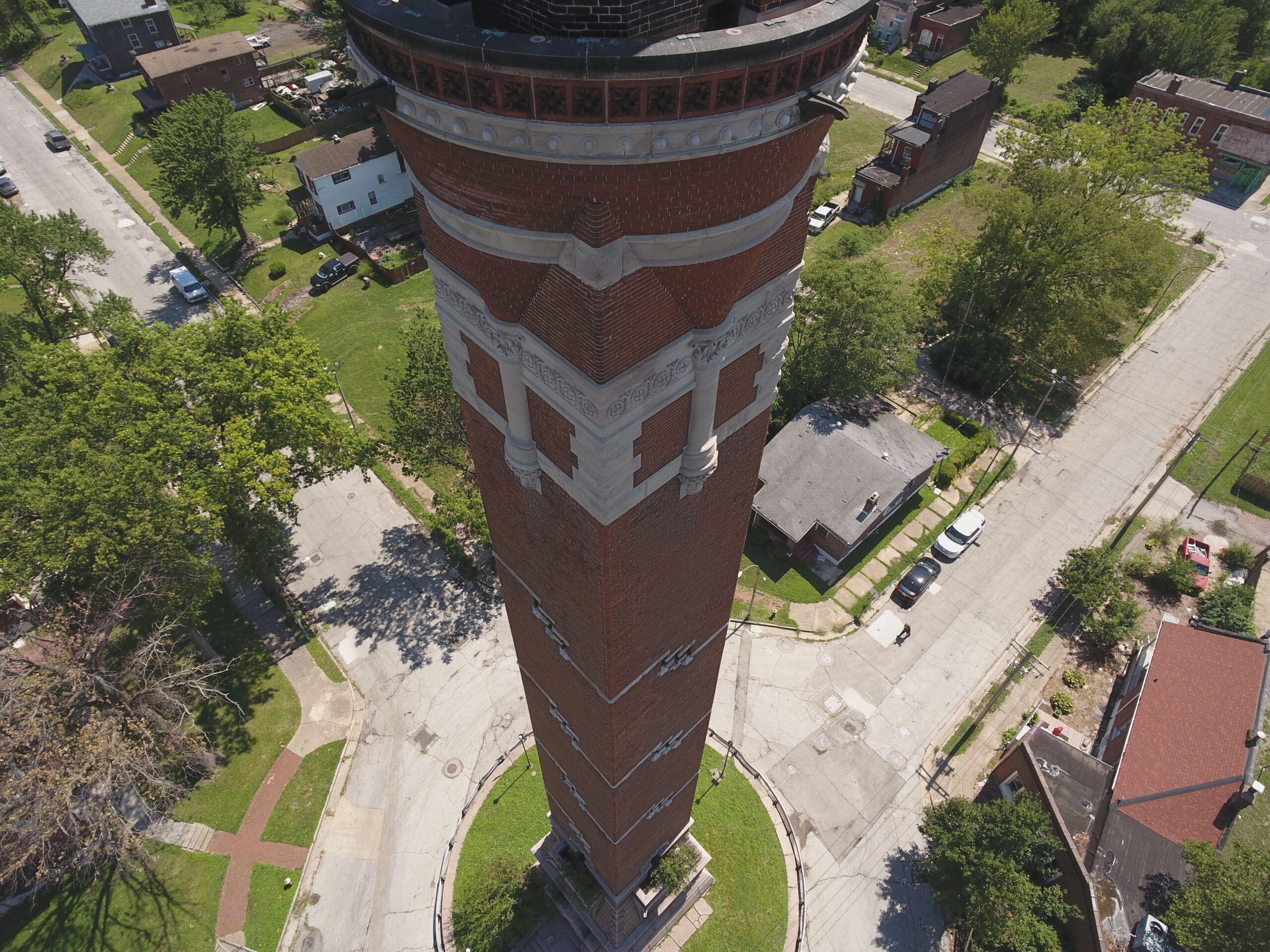
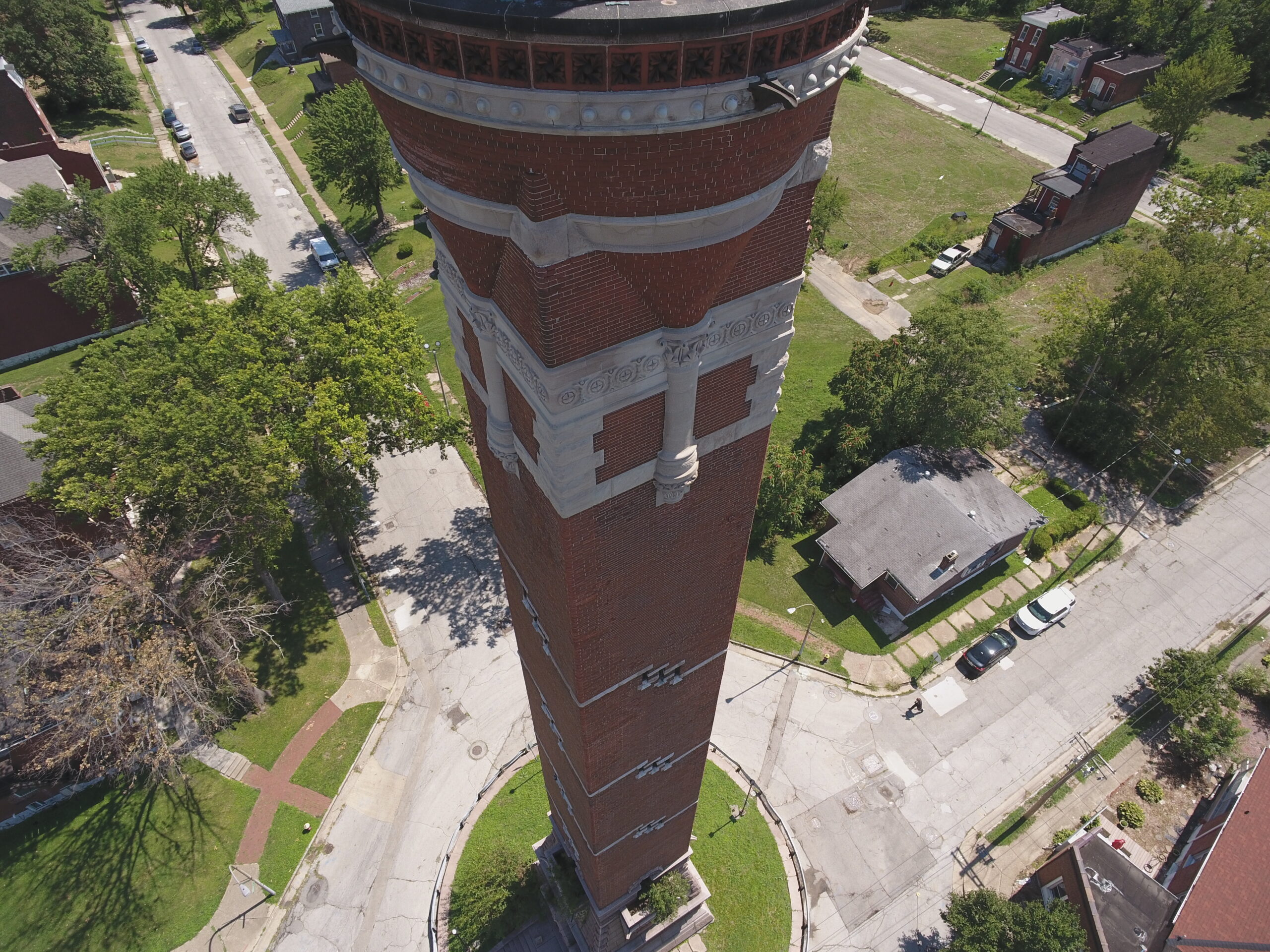
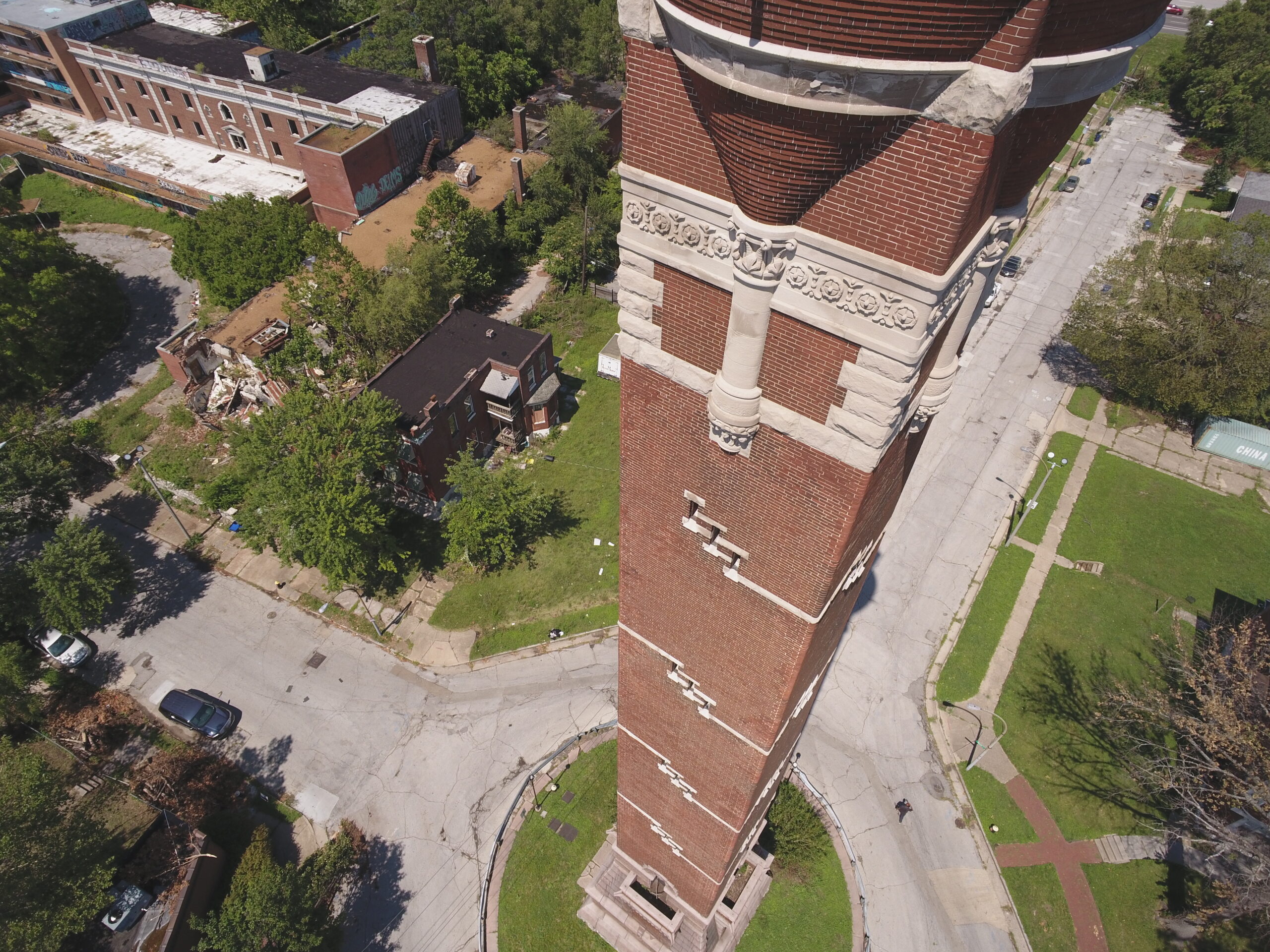
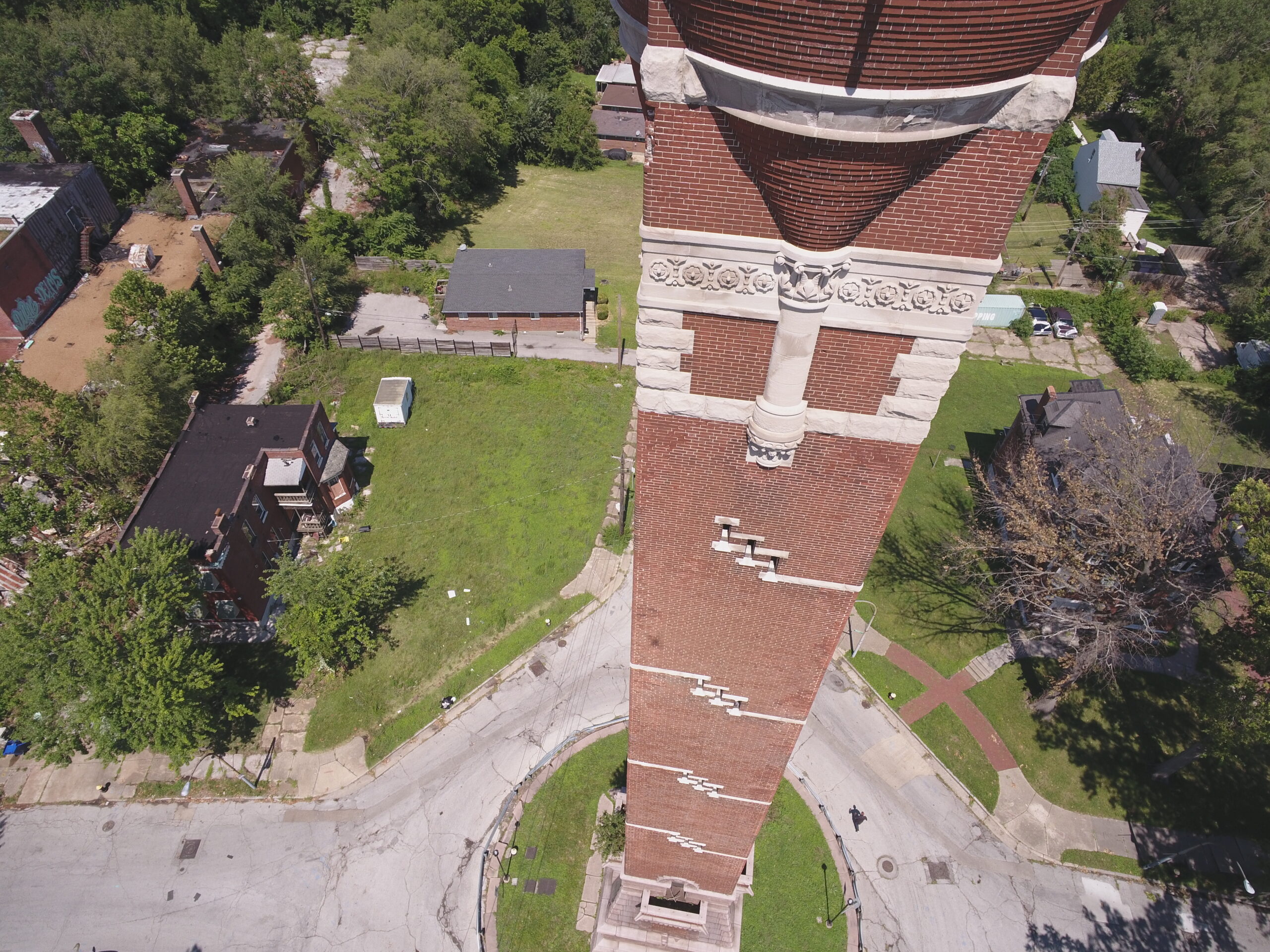
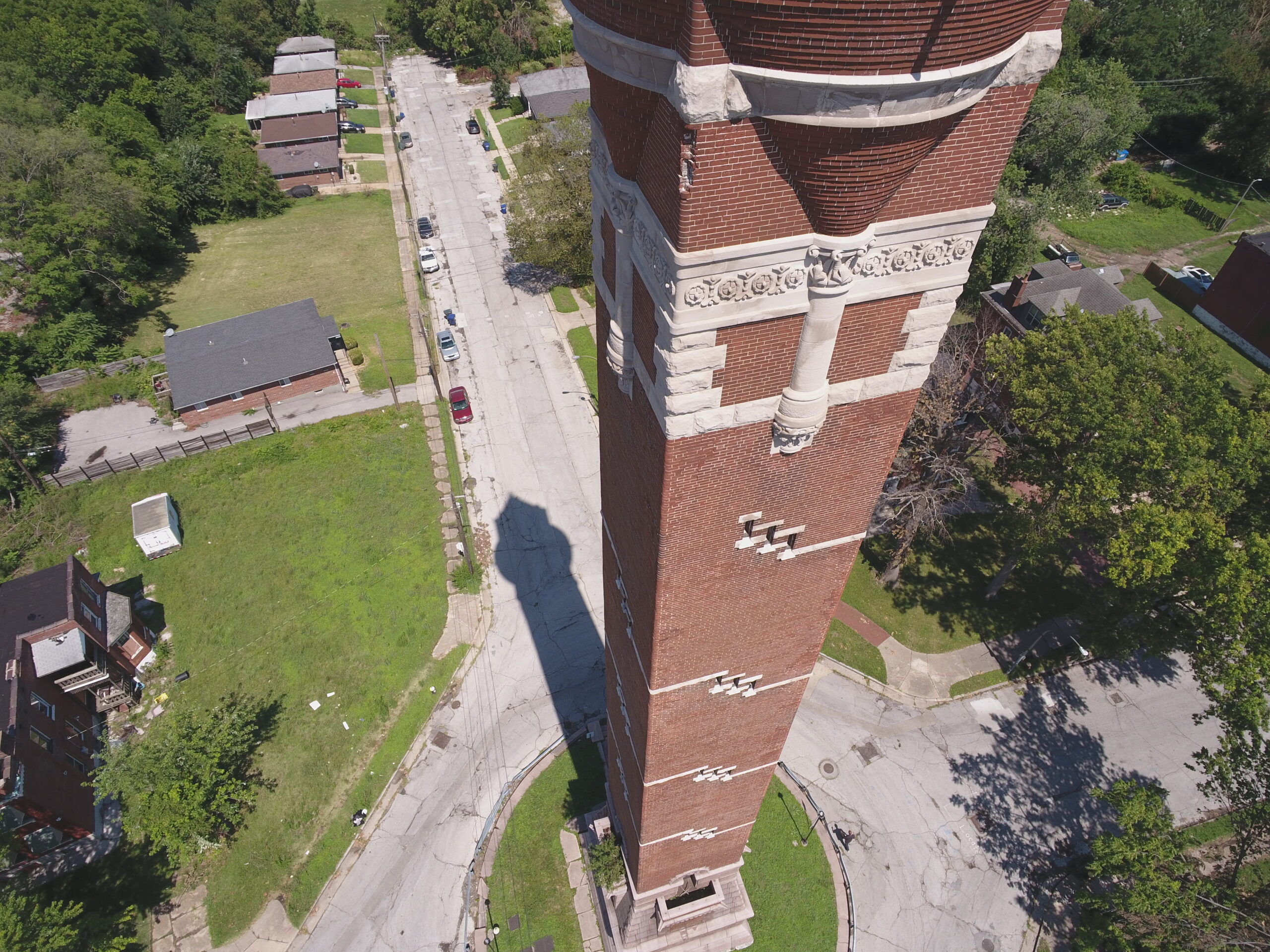
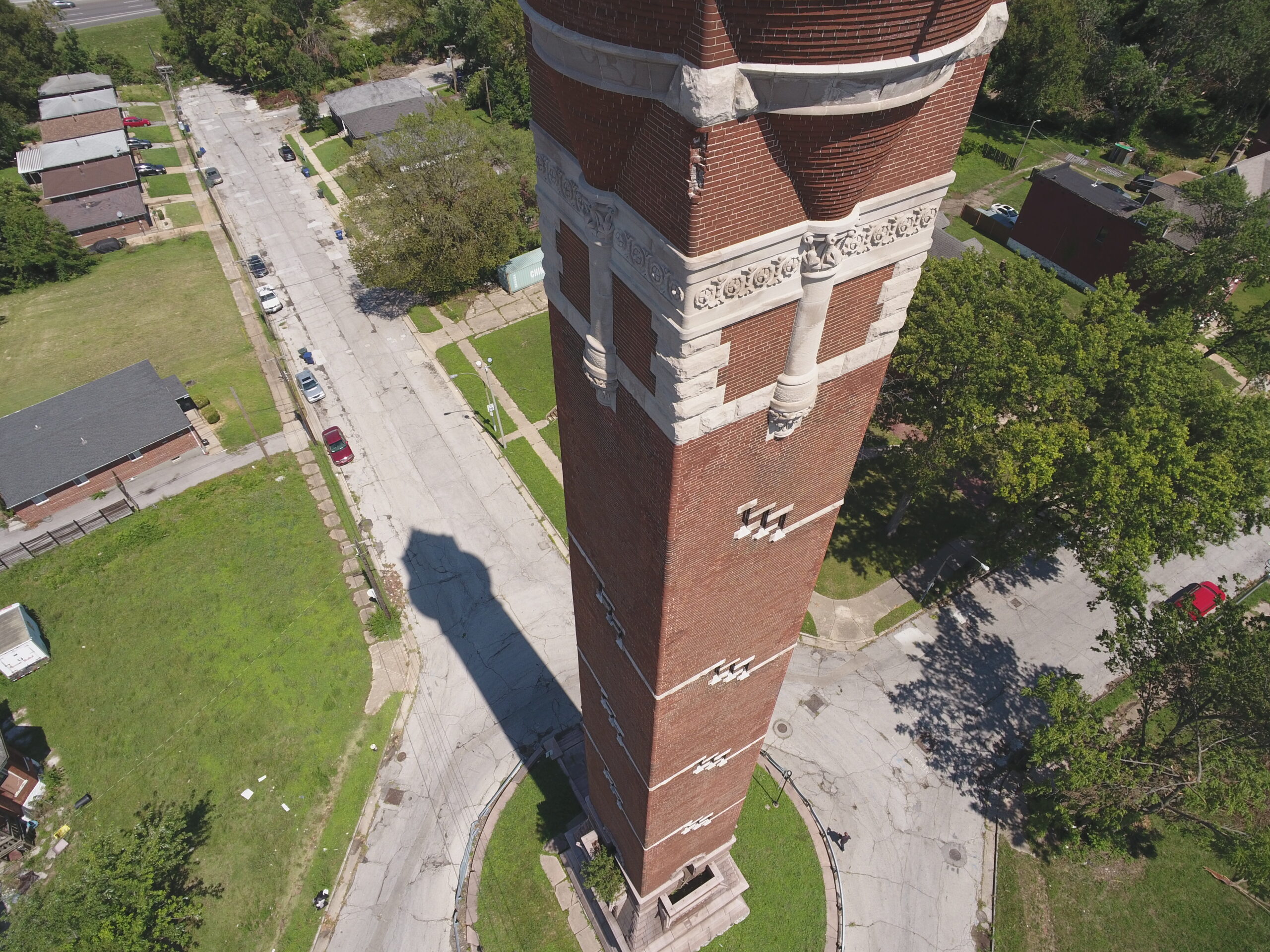
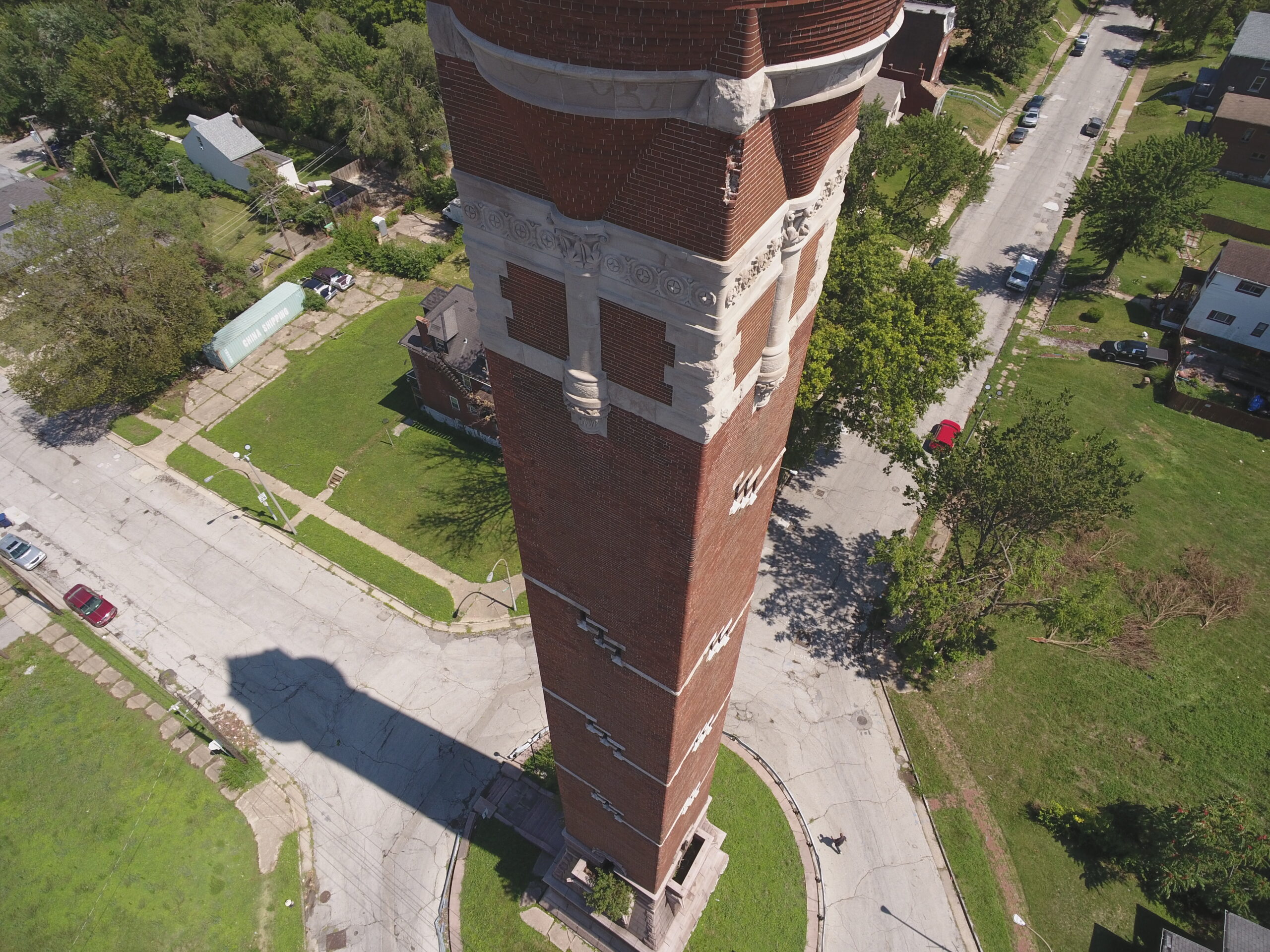
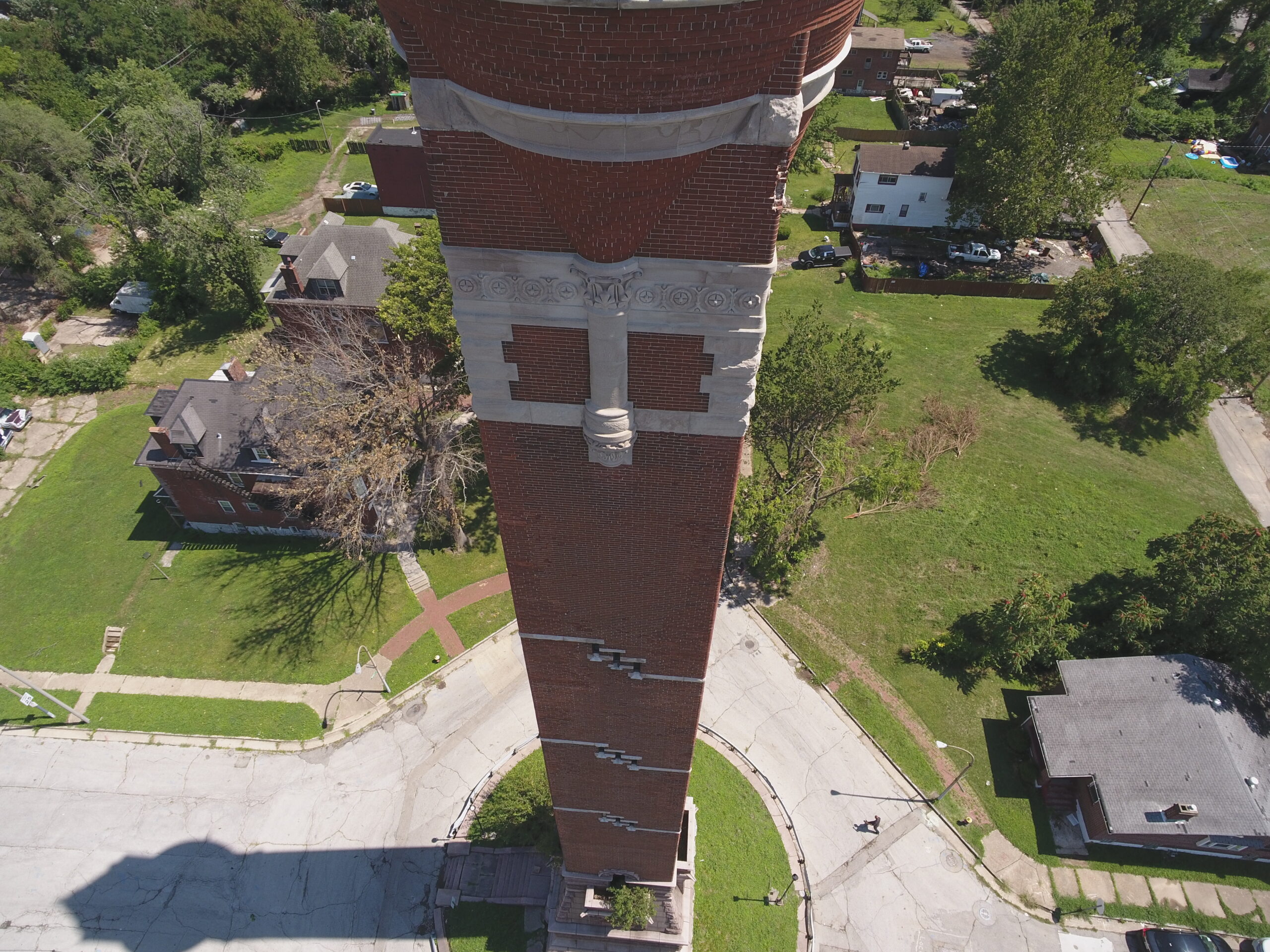
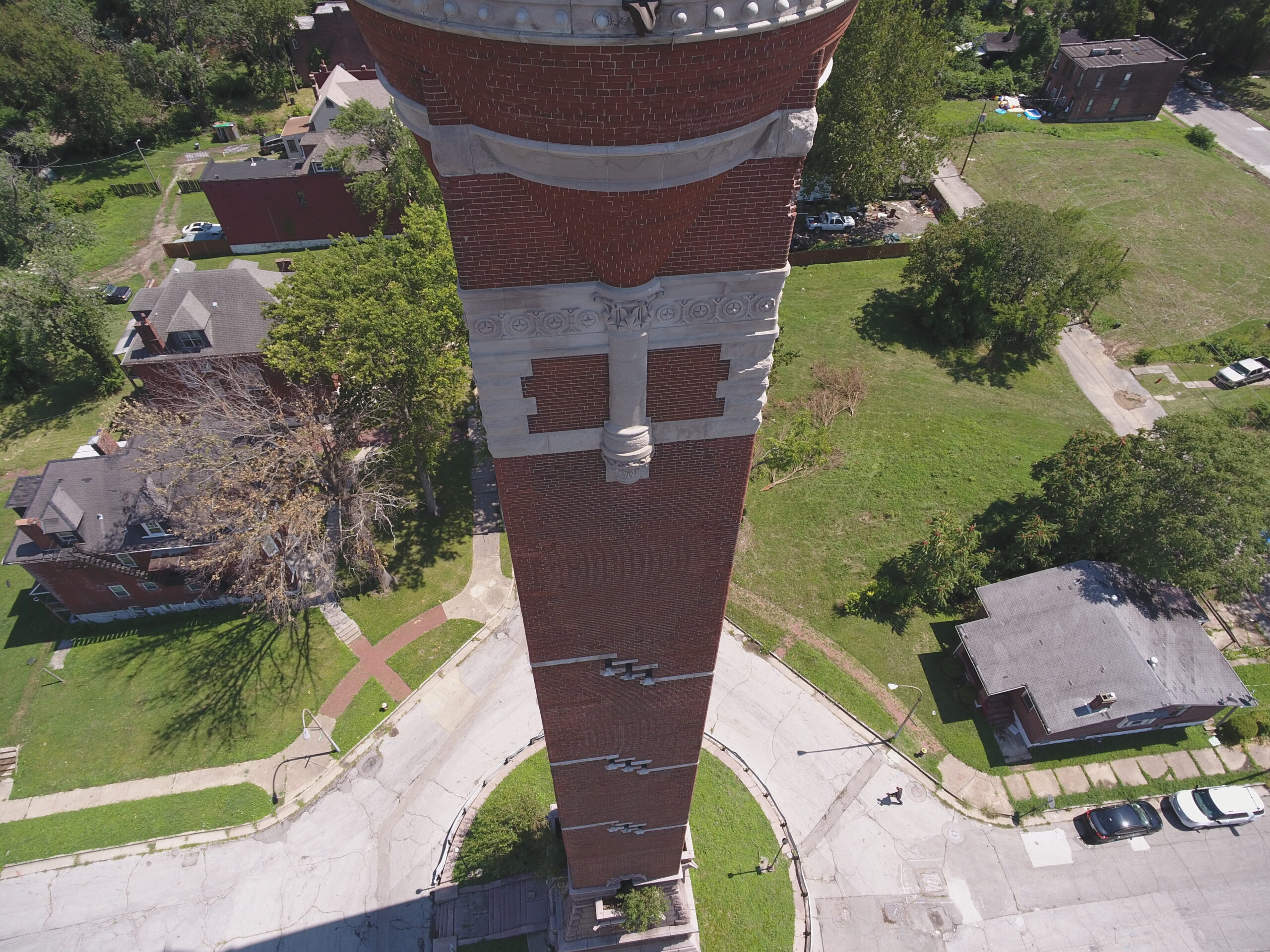
My idea for this project revolved around creating an open-source enabled process to digitize landmarks around the world. This would preserve landmarks in a 3D object with detailed features, accurate scale, and geopositioning. The goal was to test this process on the Bissell Water Tower in St. Louis completed in 1886.
PROCESS
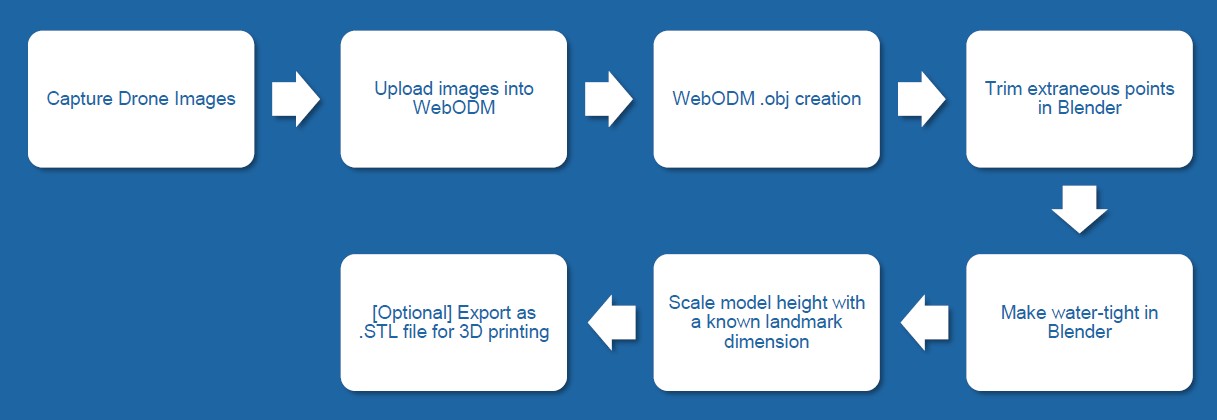
The process uses open-source software, notably WebODM for reconstruction/photogrammetry, Blender for editing 3D models and CURA for 3D printing.
1 Capture Drone Images
DCIM101MEDIADJI_0020.JPG
DCIM101MEDIADJI_0018.JPG
DCIM101MEDIADJI_0014.JPG
DCIM101MEDIADJI_0011.JPG
DCIM101MEDIADJI_0009.JPG
DCIM101MEDIADJI_0003.JPG
DCIM101MEDIADJI_0006.JPG
DCIM101MEDIADJI_0019.JPG
DCIM101MEDIADJI_0002.JPG
DCIM101MEDIADJI_0004.JPG
DCIM101MEDIADJI_0005.JPG
DCIM101MEDIADJI_0017.JPG
DCIM101MEDIADJI_0015.JPG
DCIM101MEDIADJI_0013.JPG
DCIM101MEDIADJI_0012.JPG
DCIM101MEDIADJI_0010.JPG
DCIM101MEDIADJI_0008.JPG
DCIM101MEDIADJI_0007.JPG
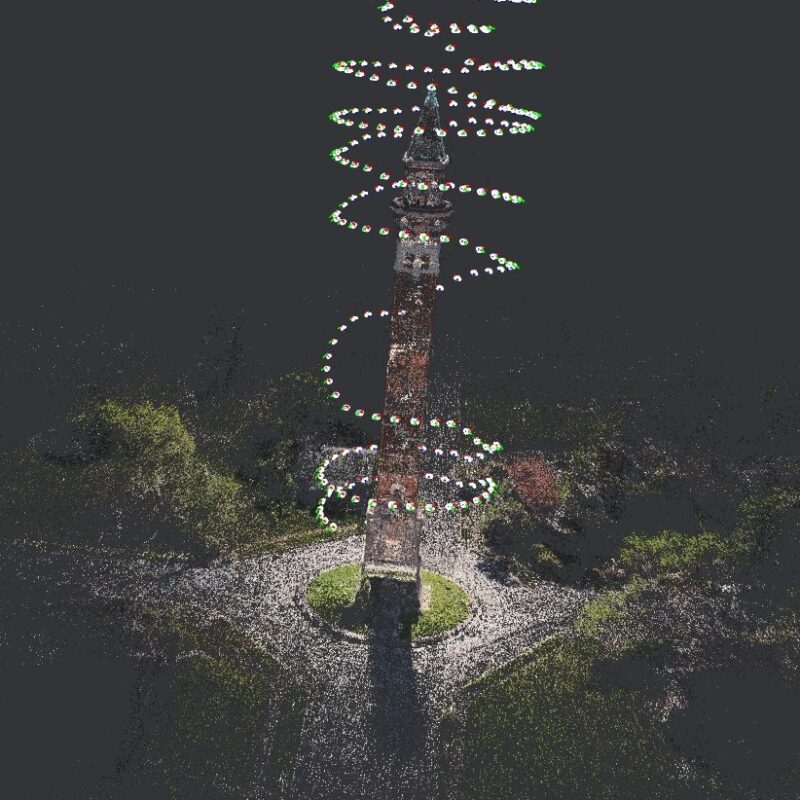
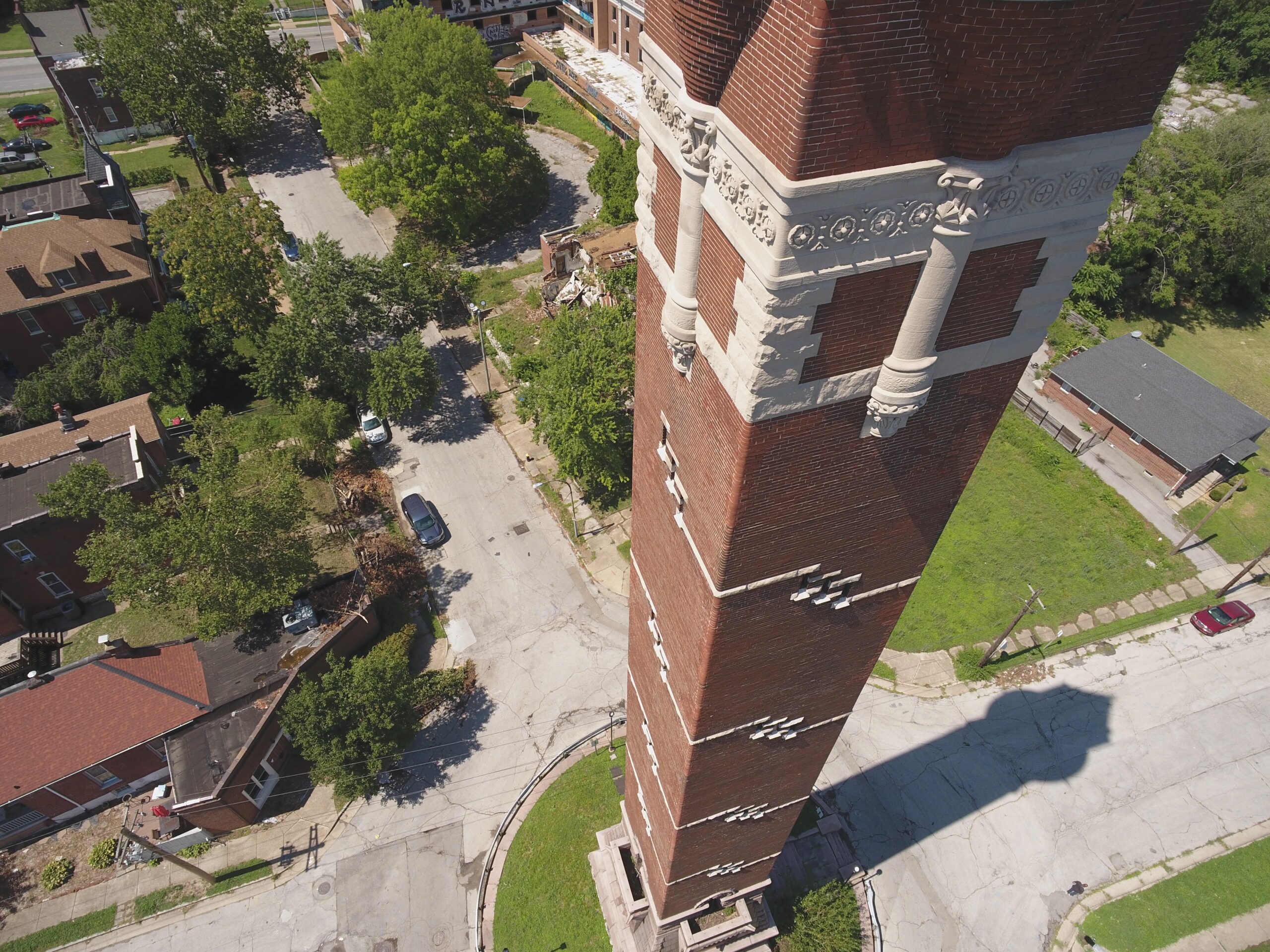
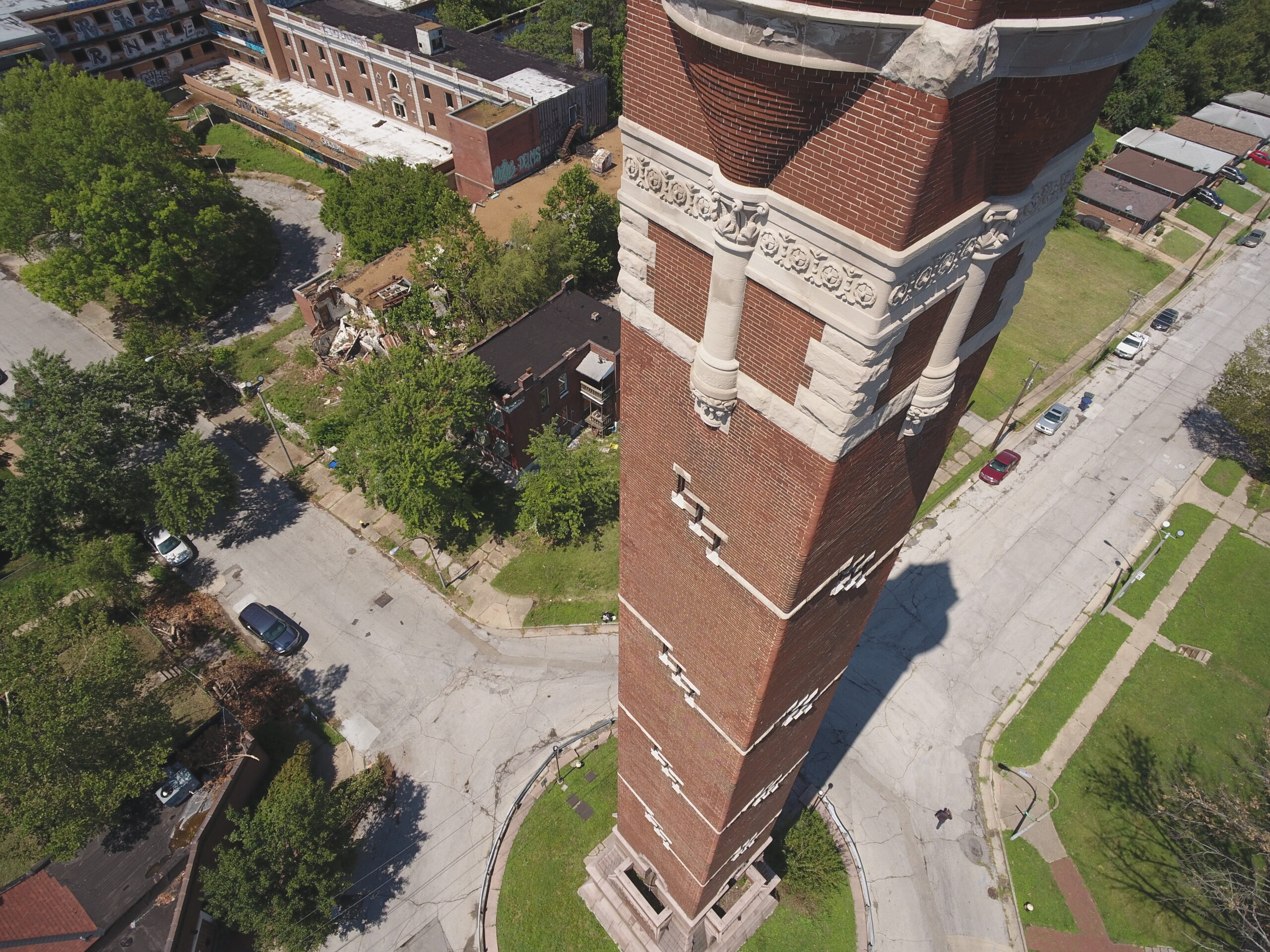
Using a DJI Mini 3 Pro drone, I automated an orbit (with the DroneDeploy app) around the tower taking pictures in 2 second intervals for a total of 140 photos. Ideally I would have performed 2 orbits: first orbit with gimbal at 45 degrees and one with gimbal at 0 degrees. This would allow features of the tower to appear that might be hidden from solely one perspective.
The goal for ideal 3D reconstruction with photogrammetry is to get 85%+ overlap of images so that there is enough image information to align images and match features.
Aiming for few clouds and shadows will also keep lighting mismatch at a minimum, which could affect detail retention.
2 Process Photos with WebODM
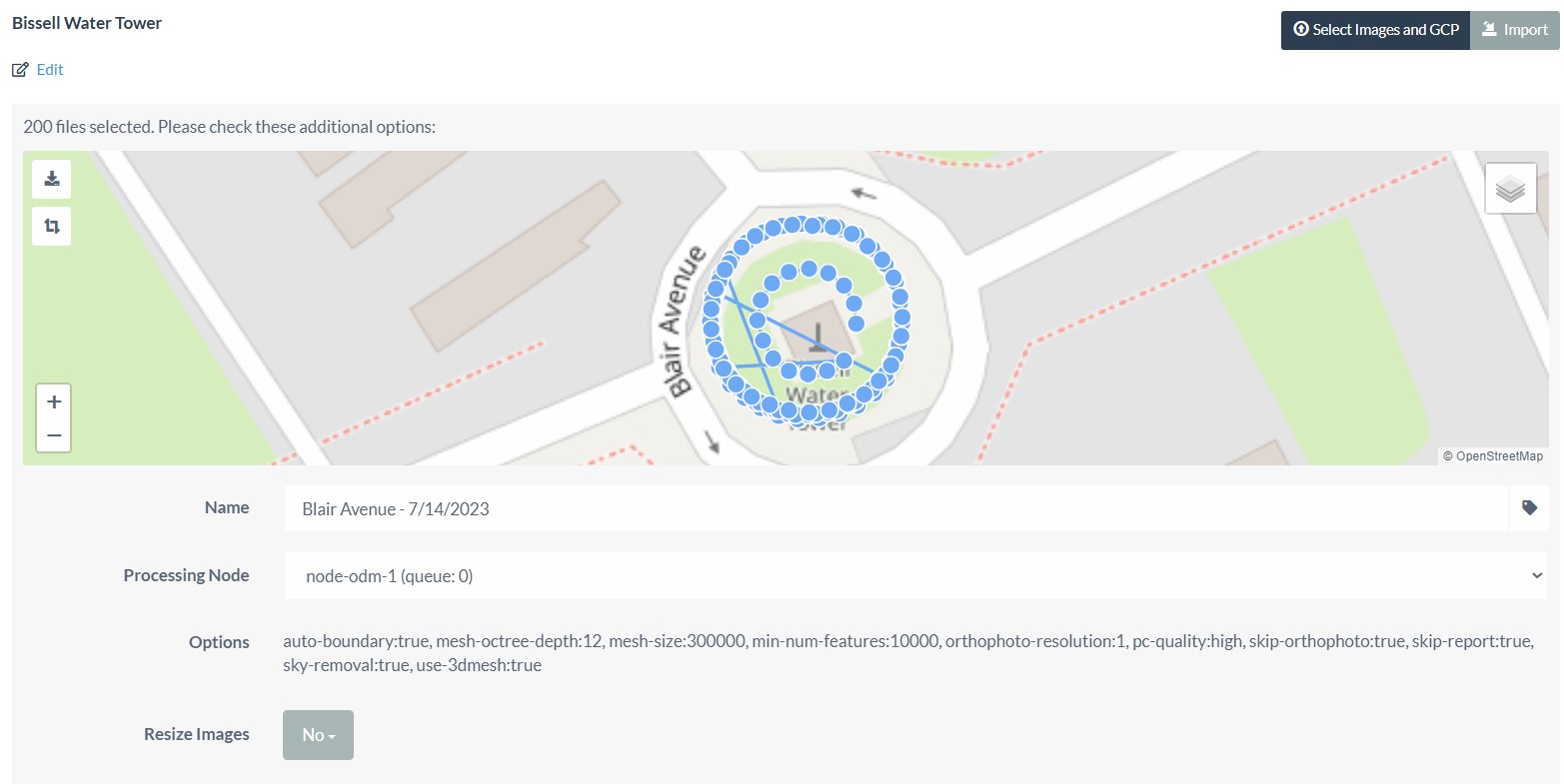
Edit “Options” to the settings in the image above. While we can further improve quality by increasing options such as “min-num-features”, this can add a lot more time to processing. It is better to focus more effort on getting high-quality photos with even lighting and good focus than to try to fix poor reconstruction with solely WebODM setting customization. Even with optimized settings for WebODM, the algorithm is limited by the information provided in the collection of photos inputted.
3 Blender Post-Processing
This step requires basic Blender editing skills. First, trim out artifacts that are not part of the landmark such as telephone cables, light posts, surrounding houses, etc. Create a flat base for the landmark to help make it water tight and for ease of 3D printing. Flatten out and topography surrounding the base of the landmark and then scale the tower. For the Bissell Tower, I used the “Scale” feature in Blender and a known height from base to tip of spire of 206ft.
4 3D Printing
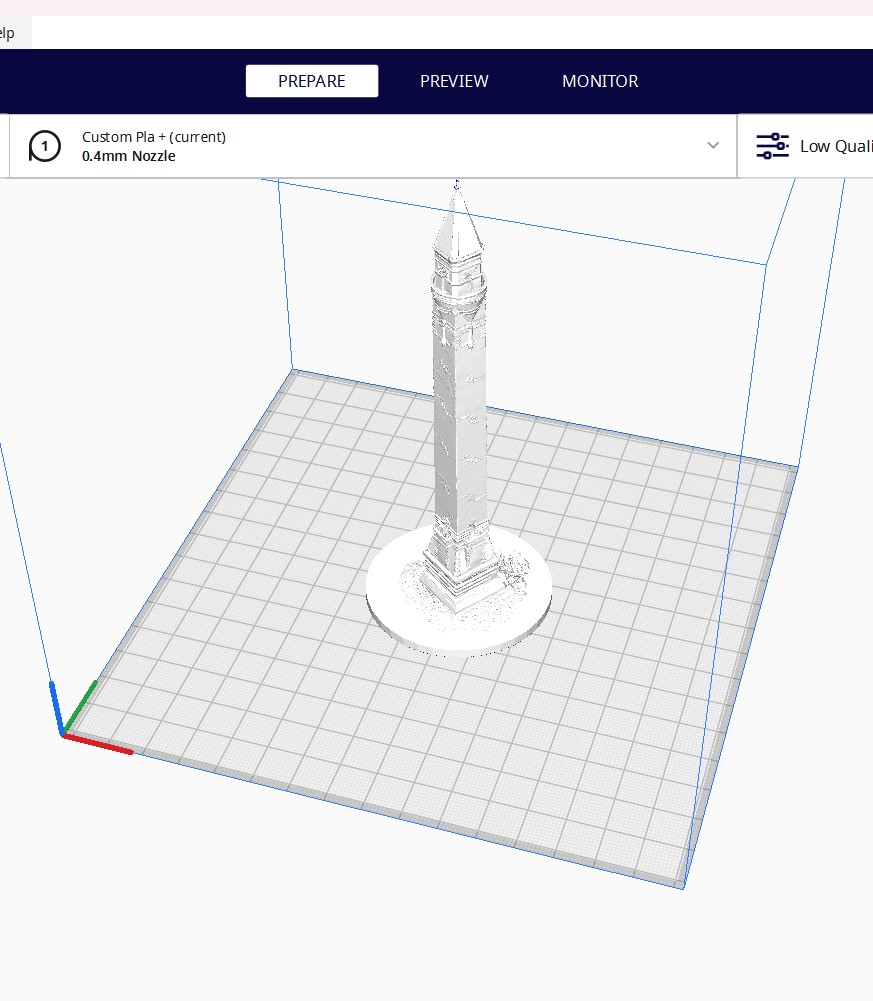
In Blender, export the 3D object as a .STL file. Then, import the .STL file into CURA slicing software. See settings and more on 3D-printing here.
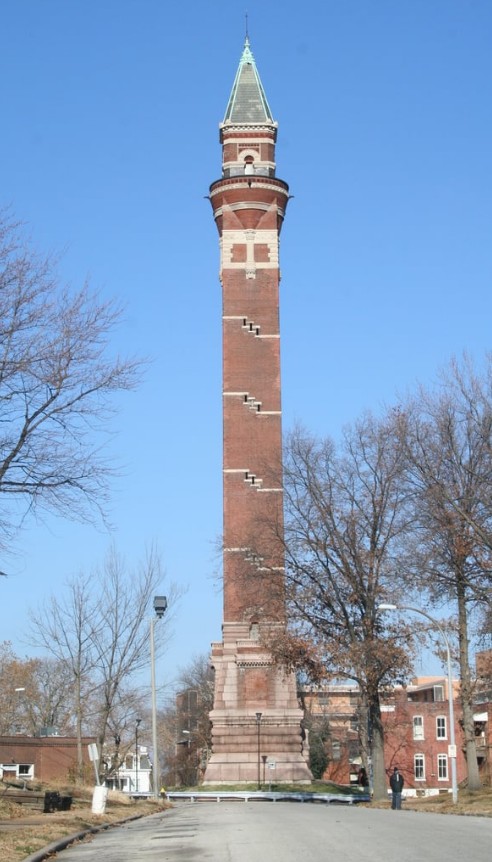
Bissell Tower
Cura Slicing Software
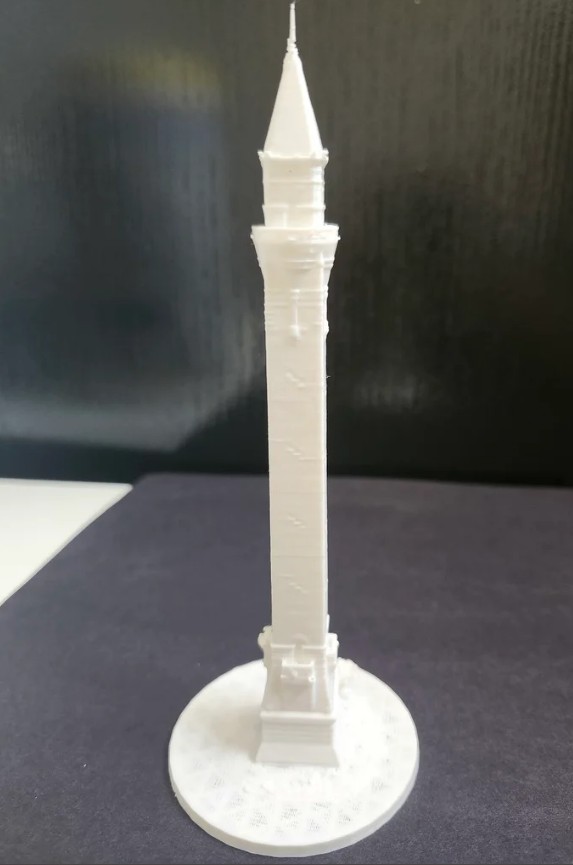
3D printed Bissell Tower
Lessons Learned
As mentioned before, much of the effort for reconstruction should be spent on the quality of source images. Though I automated the orbit of my drone, I had to manually control the upward/downward motion. This resulted in uneven spacing, effecting image overlap. This along with only capturing one gimbal angle resulted in loss of detail especially towards the top of the tower as you can see with an uneven spire and resolution loss of one face of the tower.
The images captured for this project were also done past mid-day which cast significant shadows on two faces of the tower, which also could have contributed to a loss of detail on one face of the tower.